
Search results for: Quick tip AI
Quick Tip: With AI, tackle your most significant tasks first

Just because you CAN do something with AI doesn’t mean you SHOULD. Don’t throw out the baby with the bathwater. Don’t get rid of a perfectly fine workflow just to save a few bucks. For example, people proclaim they now use AI to generate their own graphics so they’ve stopped buying stock photos. Is that…
Read MoreQuick Tip: With AI, write your white paper as a numbered list
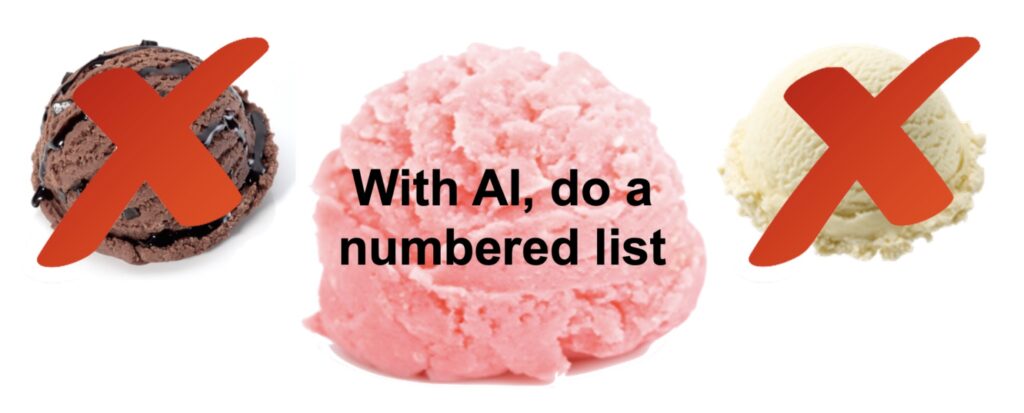
ChatGPT struggles to write long-form content. So don’t make it. Keep it short. To write a white paper with AI, make a numbered list. A numbered list—also known as a strawberry white paper—presents a collage of related points. You can arrange those points in some sort of sensible order. But you don’t have to build…
Read MoreQuick tip: Shun the TIONs!
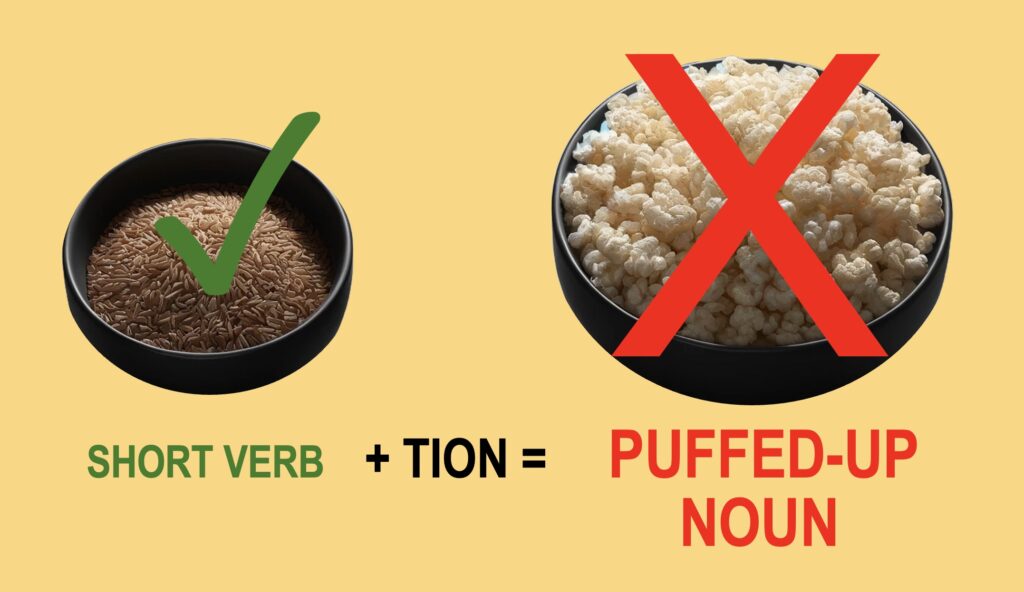
2.5 minute read. 3.5 minute listen. I see them all across the nation, to my total consternation: puffed-up words that end in TION. Too many people play this game of word puffery. You just add TION to any verb, and “poof!” it turns into a noun. But in my book, that’s going in the wrong…
Read MoreQuick tip: How to layer information for multiple audiences

Ideally you can create one white paper for every segment of your target audience. But what if you can’t swing that? What if for some reason—time, money, or whatever—you need to reach more than one audience with the same white paper? In another article, I described how to “clone” one basic document for various segments…
Read MoreQuick tip: 3 steps to a stronger title [with example]

The title is the single most important line in your white paper. A good title gets your paper noticed. A poor title gets it ignored. That’s why much of the success of a white paper depends on your title. But many writers struggle with titles. So here’s a step-by-step process that makes writing your title…
Read MoreQuick tip: Don’t say “once every xx seconds…”

I’ve been researching suicide lately. Don’t worry; I’m not thinking about doing myself in. It’s for a fictional story I’m working on. In my research, I encountered a statistic that always bugs me. Here it is, from no less than the World Health Organization: Suicide: one person dies every 40 seconds1 What a shocker, right?…
Read MoreQuick tip: Understand the audience for your white paper

Comedians know it. Politicians know it. And white paper writers must know it, too. The first key to success is to understand your audience. “Understanding your audience will help you write the content they need in the words and the way they need it,” says industry veteran Ginny Redish in her excellent book, Letting Go…
Read MoreQuick tip: To find the gem, wash away the muck

One problem I often see in white papers is over-long quotes from sources. Lengthy quotes can easily slow down your narrative and distract from the point you’re trying to make. If you see a quote that runs two or three paragraphs long, you can be pretty sure the writer included too much. Your goal as…
Read MoreQuick tip: 6 easy hacks for ChatGPT [with sample prompts]

After using ChatGPT for a time, we all tend to learn a few hacks that give better results. So here’s a quick roundup of six easy ways to pump up your prompts. The first three are commonplace tips you may have heard before. The last three are strange “emotional engineering” tips to push the AI…
Read MoreQuick tip: Don’t use numbers out of context

White papers need solid proof to make their case. So please don’t fabricate shoddy statistics out of thin air. If you try to make up a snappy-sounding statistic, you’re taking a huge risk. You’re gambling that: You can get away with deceiving prospects No one will question your sources or analysis No one will say…
Read More